Adobe Project Firefly: Debug, Deploy and Publish App
Learn how to debug locally, deploy to stage, and publish your Adobe App Builder application to production in Adobe Experience Cloud.
By Anil Umachigi
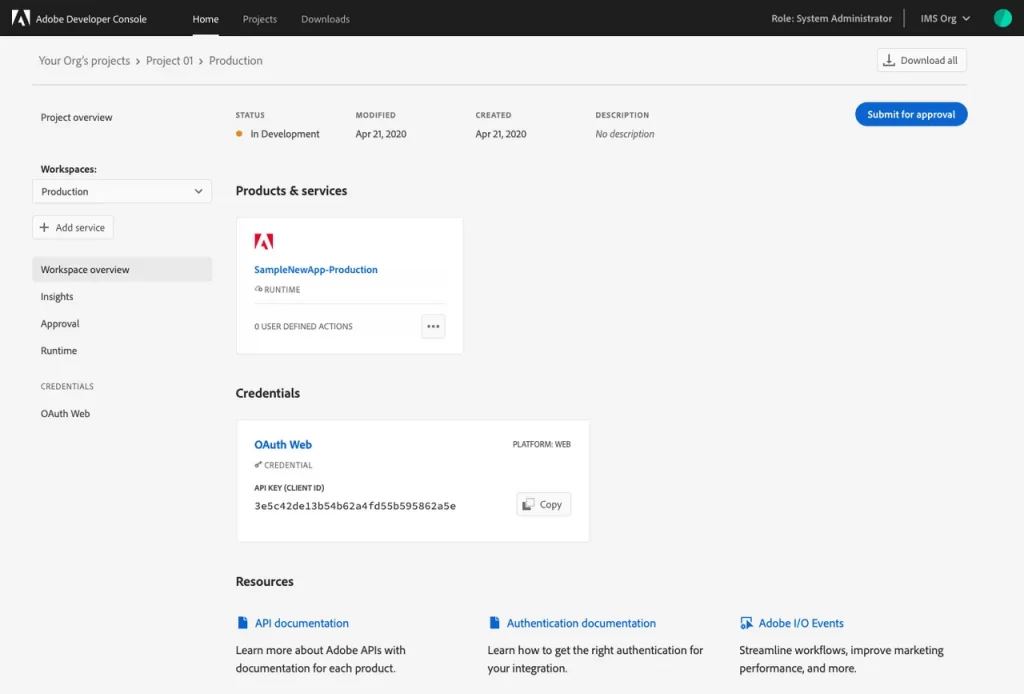
In this post we will quickly cover two critical aspects: debugging and how to deploy and publish your Project Firefly app.
The previous posts covered Project Firefly introduction, Project Firefly components, and bootstrapping a Project Firefly app.
In this post we'll go over:
- Debugging Adobe Project Firefly applications
- Understanding CI/CD and deploying your app
- Publishing your app to Adobe Experience Cloud
The Adobe Project Firefly team have done a great job documenting these topics and producing excellent YouTube videos. It makes sense to reference them here rather than duplicate the content.
#Debugging Adobe Project Firefly Apps
There are two excellent resources on debugging:
- The official codelabs documentation walks through debugging step by step
- The video below covers debugging in practice
#CI/CD for Project Firefly Apps
Adobe Project Firefly team created an excellent video on CI/CD for apps, covering both the default GitHub Actions workflow and custom CI/CD pipeline options.
#Project Firefly Review and Publish
The Adobe Project Firefly documentation shows the step-by-step process to review and publish an app.
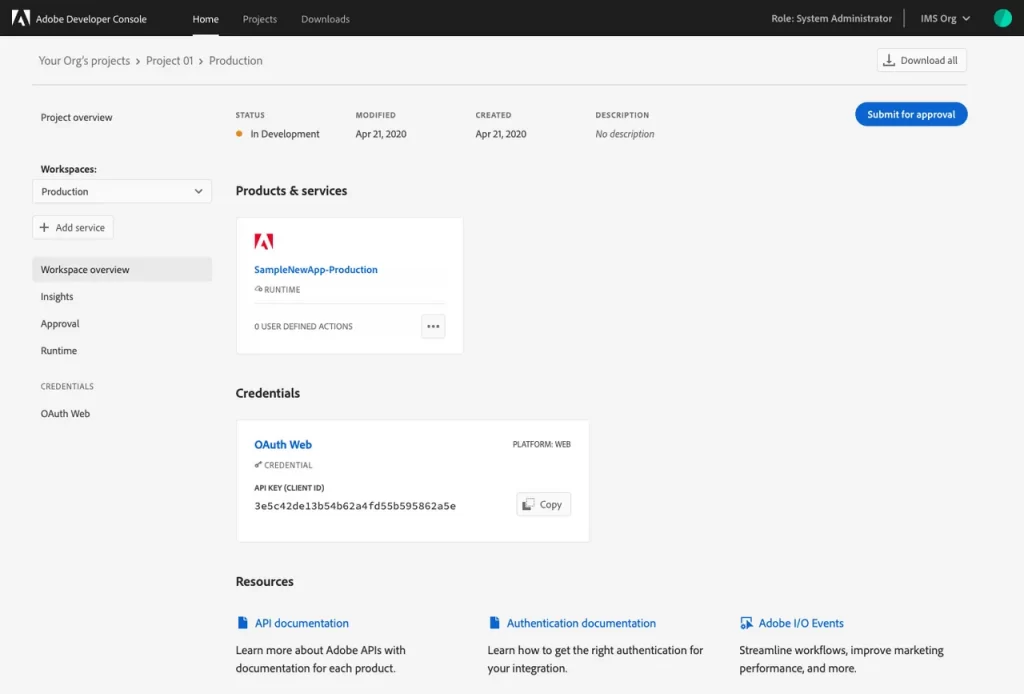
Approval process — source
#Accessing Published Apps on Experience Cloud
Once published, head to the Experience Cloud home page and click on Project Firefly to view the list of applications in production.
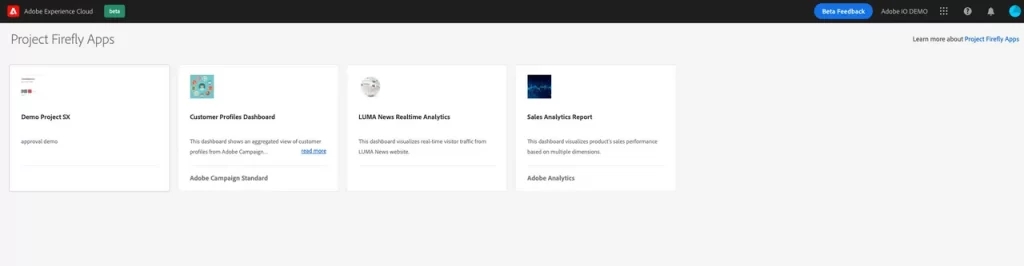
Project Firefly in Adobe Experience Cloud — source
#Learning Resources
Here is a recent video from the Project Firefly team — a great starting point for anyone getting into the framework.
This wraps up the four-part Adobe Project Firefly series. The next set of posts will focus on use cases across various Adobe Marketing tools and products. Stay tuned!
Stay in the loop
Get new field notes in your inbox.
Practical guides on Adobe Experience Cloud, data collection, and modern marketing. No noise.
Unsubscribe whenever you like.
Read on
More to explore.
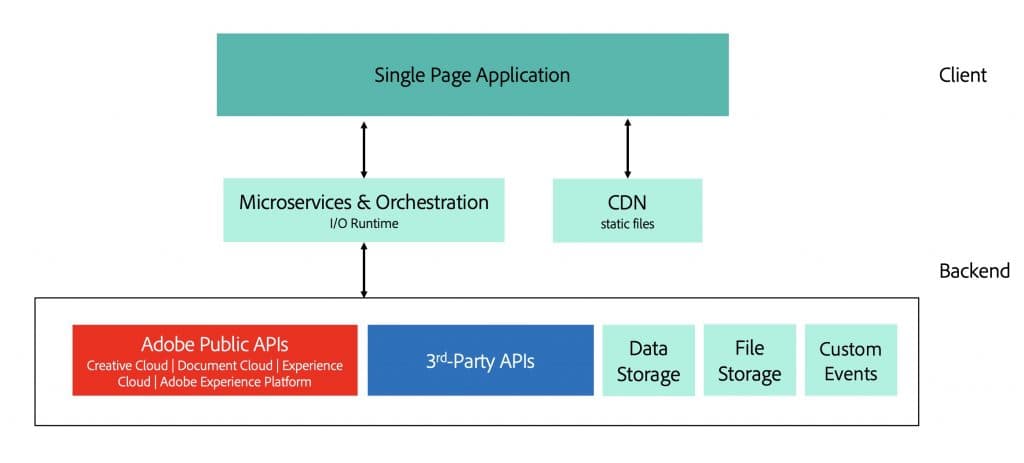
Adobe Project Firefly: Create Project and Bootstrap App
Step-by-step guide to creating your first Adobe App Builder project in Adobe Developer Console and bootstrapping a local app.
Adobe Project Firefly: Technical Overview
A technical deep-dive into Adobe App Builder architecture, runtime, APIs, and how it fits into the Adobe Experience Cloud ecosystem.
Adobe Project Firefly: What is it and Why you need it
An introduction to Adobe App Builder — what it is, why it exists, and how marketers and developers can extend Adobe Experience Cloud.